
Ever wondered how your iPhone seems to know your favorite coffee shop better than your best friend? It’s not magic—it’s just a clever little feature called Frequent Locations. This handy tool keeps track of where you go most often, making it easier to navigate your daily life. Whether you’re trying to remember that hidden taco joint or just want to impress your friends with your impeccable sense of direction, understanding this feature can save the day.
Understanding Frequent Locations
Frequent Locations is a feature on the iPhone that tracks regularly visited places. This tool simplifies navigation and enhances the user’s daily travel experience.
What Are Frequent Locations?
Frequent Locations stores data about places users visit often. Coffee shops, grocery stores, and workplaces typically appear in this list. Locations are determined based on time spent and frequency of visits. Users can easily access this information to remember favorite spots or plan routes.
How Frequent Locations Work on iPhone
Frequent Locations gathers data automatically through the device’s location services. GPS and Wi-Fi networks help pinpoint these locations accurately. Tracking activates when location services are enabled and continues in the background. Users can view their Frequent Locations by navigating to Privacy settings. The feature offers a helpful overview of daily mobility, enhancing user engagement with their surroundings.
Accessing Frequent Locations on Your iPhone
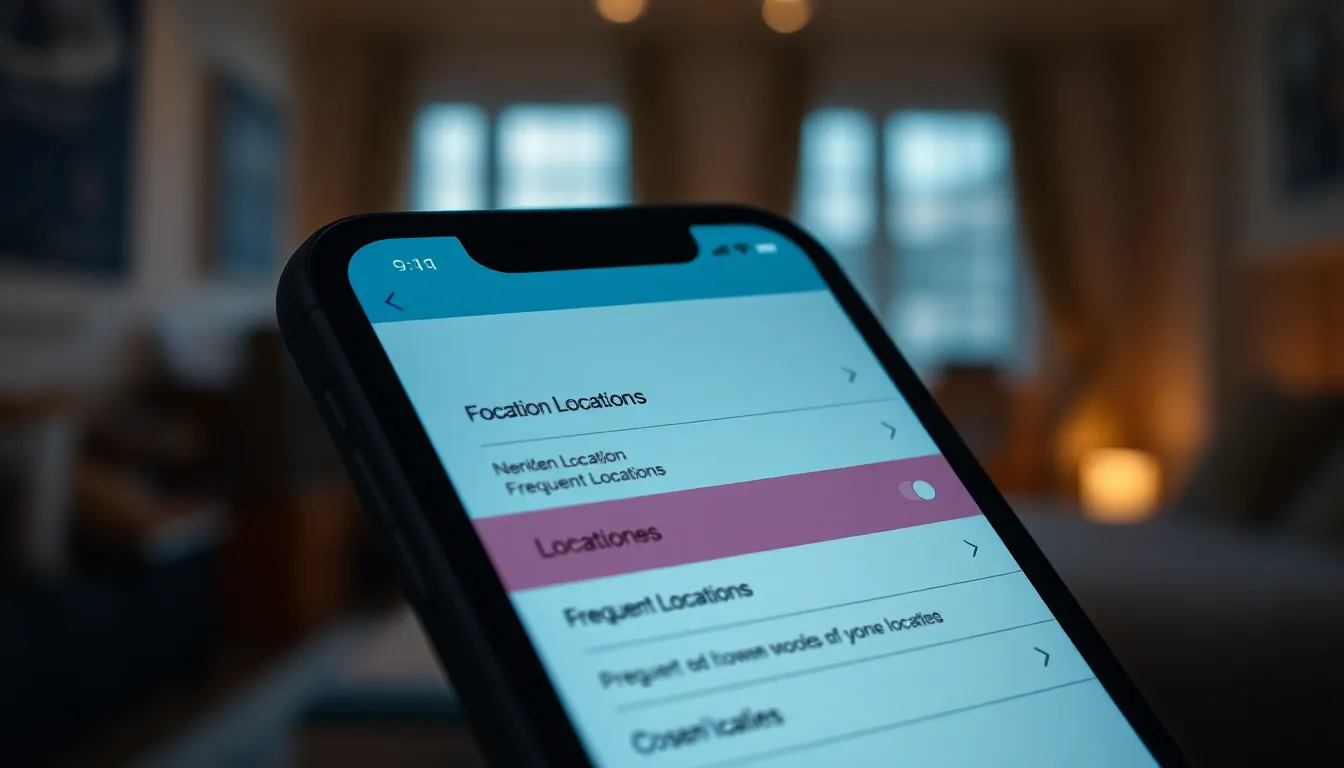
Accessing Frequent Locations on an iPhone involves a few straightforward steps. The feature, located within the Privacy settings, allows users to view their most visited places.
Navigating to Location Services
To reach Location Services, users begin by opening the Settings app. Next, they scroll down to Privacy and tap it. Within the Privacy menu, Location Services appears at the top. Tapping Location Services reveals options for managing location settings, including the Frequent Locations feature.
Enabling Location Tracking
Enabling location tracking starts within the Location Services menu. Users must ensure the Location Services toggle is set to On. After that, they scroll down to System Services and find Frequent Locations. Tapping this option enables the collection of visited location data. Users can see the data collected and adjust settings as needed. Ensuring accurate data collection enhances the utility of Frequent Locations.
Viewing Your Frequent Locations
Frequent Locations provides insight into users’ daily patterns. Accessing this feature offers a comprehensive view of commonly visited places.
Step-by-Step Guide to Accessing Data
- Open the Settings app on the iPhone.
- Scroll down and tap on Privacy.
- Select Location Services.
- Ensure the Location Services toggle is turned On.
- Scroll down further and tap on System Services.
- Locate Frequent Locations and tap to view the data.
These steps lead directly to the Frequent Locations section. Users can see the tracked locations without complications.
Interpreting the Information Provided
Users find an organized list of familiar places after accessing Frequent Locations. Each entry shows the frequency of visits and possibly the time spent there.
Identifying patterns becomes easier through this information. Users may notice their favorite coffee shops or grocery stores at the top of the list. Understanding this data can help them organize their daily routines more efficiently.
Data indicates not only frequency but also time spent. This allows for better planning in both personal and professional contexts.
Managing Your Frequent Locations
Managing Frequent Locations on an iPhone involves modifying settings and deleting unwanted entries as necessary. Users can customize their location preferences to enhance the utility of this feature.
Editing Location Settings
To edit location settings, users must access Settings and navigate to Privacy. After selecting Location Services, they should scroll down to System Services. Turning Frequent Locations on allows the collection of relevant data. Users can also choose to disable it or adjust other location services. Fine-tuning these settings helps in refining location data. Consequently, improved accuracy informs better navigation and planning in daily routines.
Deleting Unwanted Locations
Deleting unwanted locations helps maintain a clean list of frequently visited places. Users should return to the Frequent Locations section within System Services. Tapping on a specific location reveals an option to delete it. Once selected, the location is removed from the list permanently. This action ensures that only relevant places remain visible. Keeping the list updated aids in accurately reflecting current habits and preferences.
Frequent Locations on the iPhone is a powerful tool that enhances users’ daily navigation and engagement with their surroundings. By utilizing this feature, individuals can easily access their most visited spots and gain valuable insights into their routines.
Adjusting settings and managing location data ensures that the information remains relevant and accurate. Regularly updating this list allows users to reflect their current habits and preferences, ultimately improving their daily planning. Embracing the Frequent Locations feature can lead to a more organized and efficient lifestyle, making it a worthwhile addition to any iPhone user’s toolkit.

