
In a world where Android and iPhone users often find themselves in a playful rivalry, the question of sharing location across these platforms can stir up quite the debate. Picture this: you’re trying to meet up with a friend, but your devices are throwing a digital tantrum. Can someone with an Android actually share their location with an iPhone user? Spoiler alert: yes, they can!
Despite the tech turf wars, sharing your whereabouts isn’t as complicated as deciphering a toddler’s drawing. With a few simple steps, Android users can send their location to iPhone users faster than you can say “cross-platform compatibility.” So grab your phone, and let’s dive into the how-to’s of location sharing that’ll have you navigating your way to your friends in no time.
Understanding Location Sharing
Location sharing enables users to share their real-time location with others, enhancing communication and collaboration. Both Android and iPhone users can seamlessly exchange location data, bridging the gap between these platforms.
What Is Location Sharing?
Location sharing refers to the ability to transmit one’s geographical location to another person using a mobile device or application. Users can share their location through various apps such as Google Maps, WhatsApp, or Facebook Messenger. These apps utilize GPS technology to pinpoint the user’s position and provide accurate coordinates. In addition, shared locations can be temporary or permanent, offering flexibility depending on user needs.
Importance of Location Sharing in Communication
Location sharing plays a crucial role in enhancing interactions among individuals. It helps friends coordinate meetups by providing precise directions. Families can ensure the safety of their loved ones by monitoring their whereabouts. Events, such as group outings or trips, benefit significantly from shared locations, allowing participants to remain connected. With location sharing features, users enhance trust and transparency in their relationships, fostering stronger connections.
Compatibility Between Android and iPhone
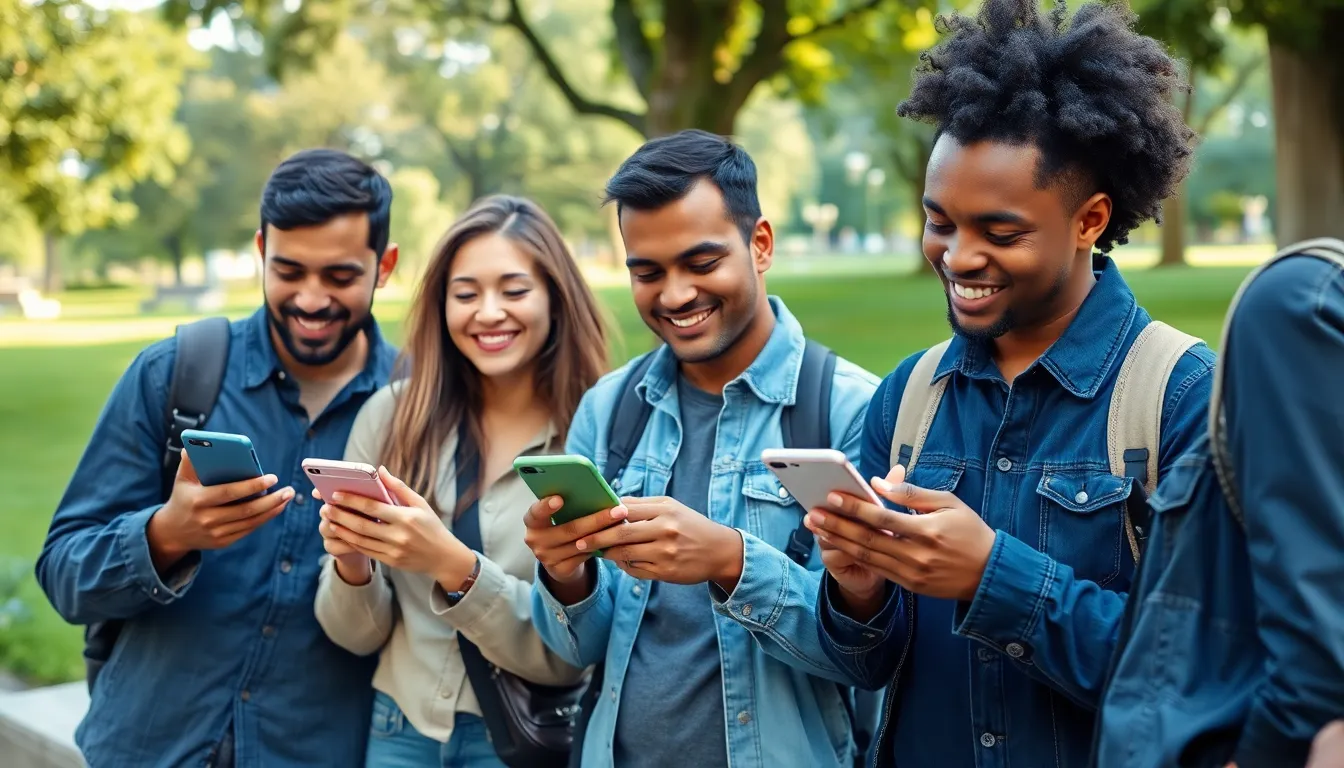
Android and iPhone platforms can successfully share locations, facilitating easier connection between users. Compatibility hinges on app choices that bridge both ecosystems.
Overview of Android and iPhone Ecosystem
Android runs on various manufacturer devices, showcasing customization and flexibility. iPhone operates within Apple’s tightly integrated ecosystem, emphasizing user experience and security. Users appreciate the diversity of apps available on both systems, enabling smooth location sharing across platforms. Popular applications like Google Maps, WhatsApp, and Facebook Messenger enhance functionality. Compatibility persists as developers continue to create apps that work seamlessly on Android and iPhone.
Key Differences in Location Sharing Features
Differences exist in location sharing features between Android and iPhone. Android supports a wide range of third-party applications, allowing for diverse sharing options. iPhone integrates location sharing directly into iOS, making it a straightforward process. Privacy settings in iPhone may be stricter, requiring users to grant explicit permissions for location access. In contrast, Android offers customizable settings that provide users with diverse choices for location sharing. Understanding these differing functionalities aids users in maximizing location sharing between devices.
Methods for Sharing Location
Sharing location between Android and iPhone users is achievable through various methods. The following sections detail how to utilize built-in services and third-party applications.
Using Built-in Location Services
Android devices equip users with Google Maps for location sharing. Accessing this feature involves opening the app, tapping the location icon, and selecting ‘Share your location.’ Users can then choose a duration for sharing and select contacts, including iPhone users, via SMS or email. It’s essential for all involved to ensure their device settings grant location access to enhance accuracy.
iPhone users also have built-in options for receiving shared locations. Using Apple Maps, they can simply accept the shared location sent from Android devices. This integration enhances compatibility, making it easier for both parties to remain connected.
Third-Party Apps for Location Sharing
Numerous third-party applications facilitate location sharing across Android and iPhone ecosystems. Apps like WhatsApp allow users to share real-time locations directly through chats. Simply opening a chat, selecting the attachment icon, and then opting for ‘Location’ creates seamless sharing moments.
Another popular app, Facebook Messenger, offers similar functionalities. With Messenger, users can send their location by tapping on the ‘+’ icon, choosing ‘Location,’ and sharing it with friends. Exploring these applications enhances the ease of coordination among friends and family, regardless of their device type.
Step-by-Step Guide to Sharing Location
Sharing location between Android and iPhone users involves straightforward steps. Below are detailed instructions for both actions.
How to Share Location from Android to iPhone
Android users can share their location through Google Maps. First, open the Google Maps app and tap on the blue dot that indicates your current location. Choose the “Share your location” option from the menu. Select the duration for sharing, which can range from 15 minutes to 24 hours. Next, choose how to share the location; options include SMS or email. Select the recipient, who can be an iPhone user. Once sent, the iPhone user will receive a link to view the location in their browser or Apple Maps.
Accepting Location Shares on iPhone
Receiving location shares on an iPhone is simple. When an Android user sends a location link, tap on the link in the message. This action opens the location in a browser or Google Maps, depending on the link. Users can also open the link in Apple Maps. For convenience, navigate to the top right corner, where users can save the location for future reference. Additionally, iPhone users can quickly return to the location if needed, enhancing coordination with friends or family.
Troubleshooting Common Issues
Location sharing can sometimes face challenges on the Android and iPhone platforms. Familiarity with common issues helps streamline the process.
Connection Problems
Connection issues may arise during the location sharing process. Check whether both devices are connected to the internet. Poor network coverage can disrupt location sharing and hinder successful transmission. Disable any VPNs, as they can create conflicts with location services. Ensure that location permissions are enabled in settings for both devices, as this is crucial for accurate sharing. Should these steps fail, restarting both devices often resolves lingering connectivity problems.
App-Specific Issues
App-specific issues can affect location sharing between Android and iPhone users. Each application, like Google Maps or WhatsApp, may have unique settings. Users must make sure they have the latest app versions installed, given that updates frequently include bug fixes. Users may also need to verify that both parties are using compatible platforms after sharing a link. Proper configurations on both devices are essential for smooth operation. If problems persist, reinstalling the app can often clear up any lingering issues.
Location sharing between Android and iPhone users is not only possible but also straightforward. By utilizing apps like Google Maps or popular messaging platforms, users can easily exchange their real-time locations. This capability enhances communication and fosters connections among friends and family, regardless of their device preferences.
As technology continues to evolve, the collaboration between different operating systems becomes more seamless. Understanding the tools available empowers users to make the most of their devices. With the right approach, sharing location across platforms can be a simple and effective way to stay connected.